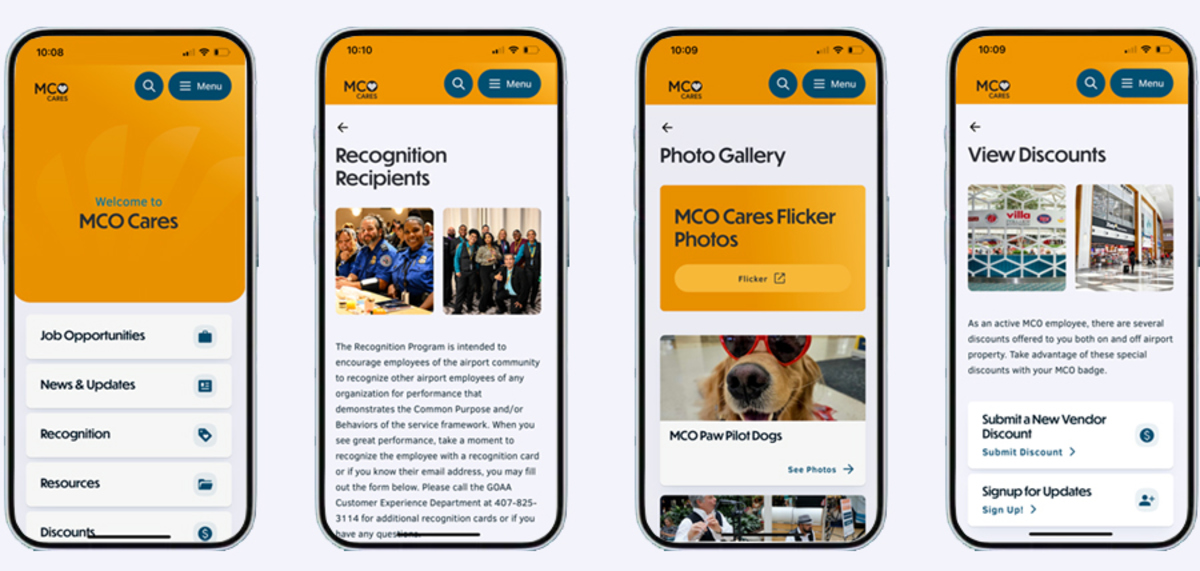
MCO Cares PWA (Progressive Web APP)
Install the MCOCares PWA on your mobile device today!
1. Easy to install
2. Free to use
3. Safe & secure
Enjoy faster performance, offline access, and an app-like experience—without the app store. Follow the steps below to start using MCOCares PWA now!
Instructions for adding MCO Cares PWA (Progressive Web App) to iPhone
- Launch your browser ( Safari ) on your mobile device.
- In your browser enter the URL (www.mcocares.com)
- Select the share button at the bottom of your browser.
- Select the "Add to Home Screen" button.
- Select the "Add"
- Your new MCO Cares APP has now been installed to your home screen!
Note: Needs Wi-Fi connection to show all pages.
Instructions for adding MCO Cares PWA (Progressive Web App) to Android
- Launch your browser ( Chrome ) on your mobile device.
- In your browser enter the URL (www.mcocares.com)
- Select the More Options menu ( 3 dot options tab )
- Select the "Add to Home Screen" button.
- Select "Install"
- Your new MCO Cares APP has now been installed to your home screen!
Note: Needs Wi-Fi connection to show all pages.